A downloadable asset pack

Created this for some friends, thought it might be useful to others as well. A basic template for use with Twine's Sugarcube storyformat.

Features

  • Custom save names
  • Autosaving
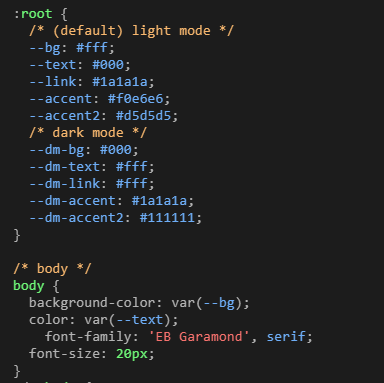
  • Light/dark mode
  • Adjustable font sizing
  • Toggle-able achievements
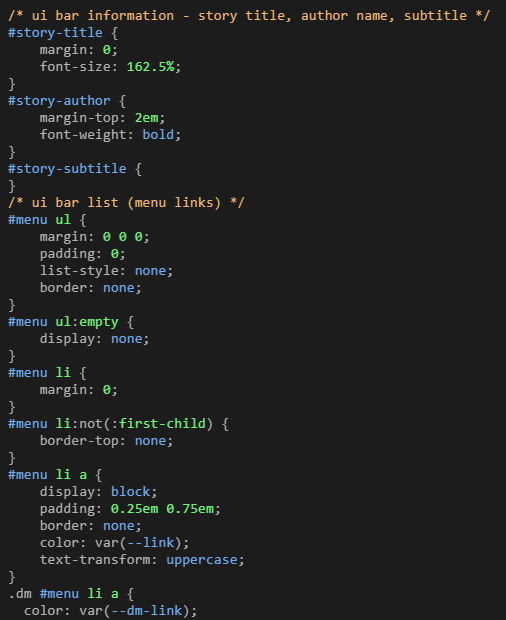
  • All CSS labelled to make elements easy to find and change
  • Pronoun widgets for grammatical differences between pronouns
  • Special passages labelled and explained
  • Instructions on creating custom interfaces
  • Custom macros (linked and credited in the file)

Instructions

Download index.html, open it in Twine. Have a poke around in the code, see what you like and what you don't!

Credits

StatusReleased
CategoryAssets
Rating
Rated 5.0 out of 5 stars
(40 total ratings)
Authornyehilism
Tagsassets, code, resources
ContentNo generative AI was used

Download

Download
index.html 513 kB

Install instructions

Download index.html - open it in Twine using the 'Import from file' option in the main screen.
Comments

Log in with itch.io to leave a comment.

(+2)

This was a great template! Wanted to ask though, when I open the game to play in another tab I get the error message:

Error [tw-user-script-0]: config is not defined.

If I click "OK" and move on, I don't encounter any issues but I do want to remove the error pop-up at the start. 

(6 edits) (+1)

also having this error pop up, and from what I can tell, it has to do with something in the way settings is coded, because it pops up again when I hit "reset to defaults" (plus no actual settings options show up above that, though I'm not 100% sure if there are supposed to be any). wish I knew more about coding to fix it, but that's the best I've got, unfortunately :(

EDIT: okay, so apparently the issue lies in the fact that the first "config" line in the template's Javascript section is lowercase - it needs to be capitalized (i.e. "Config") to match the other lines (which are all commented out by default). however, when I did that, it pulled another error after that, and I'm not sure how to fix that one. but that code just controls the ability to trigger an autosave in a certain part of the story, so if you're not attached to that feature/don't require it, you can just comment it out, and the template should otherwise work fine to my knowledge.

second and last edit (lol): I couldn't help myself and just kept digging. apparently this was caused by a Sugarcube update, so the original code was deprecated. so if you still want autosaves, I would remove the original line (config.saves.autosave = "autosave") and replace it with the code below (found someone talking about this issue elsewhere, and someone else linked a section in the Sugarcube Documentation that gives helpful code for this):

Config.saves.maxAutoSaves = 1;

Config.saves.isAllowed = function (saveType) {

    if (saveType === Save.Type.Auto) {

        return tags().includes("autosave");

    }

    return true;

};

after this, the template appears to work just fine. the code creates an autosave limit of 1 (you can increase that, but it's recommended to stick to a low number) and makes it so autosaves only occur on passages tagged with "autosave" (you can change that tag if you want). hopefully that works all right (like I said, limited coding knowledge, so I'm just taking from the documentation).

(+1)

hey, I'm sorry this took me so long to get around to - thank you kindlykelpie for stepping in for me! as mentioned, twine & sugarcube have been through a handful of updates since I made this in 2021, so if you're having trouble with the code (and those popup errors when loading are almost always in the javascript) it's worth checking the sugarcube documentation to see if something's been deprecated.

I'm not likely to update this template to the current version of sugarcube, but I hope it's still useful for understanding the basics! and thank you again for going out of your way to bugfix for me :-)

(+1)

no problem! I'm still a beginner at coding, but I really like solving coding problems when I can (it's very satisfying to me), so it was actually kind of fun to figure out what was going on. and it is a very helpful template for learning basics, thank you!

(+2)

thanks to both of you, this really helped!!

(+1)

Thank you for making! Helped me get a grasp on Sugarcube's coding quickly :)

(+5)(-1)

thank you so much. so much.

(+4)(-1)

I really appreciate the template, very helpful for my Twine projects!

(+5)(-1)

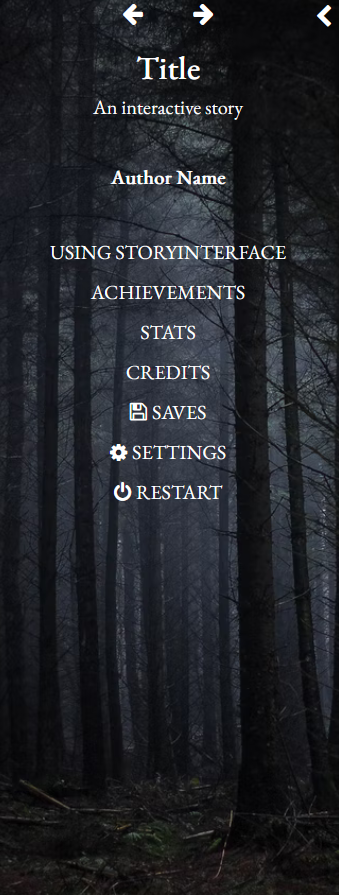
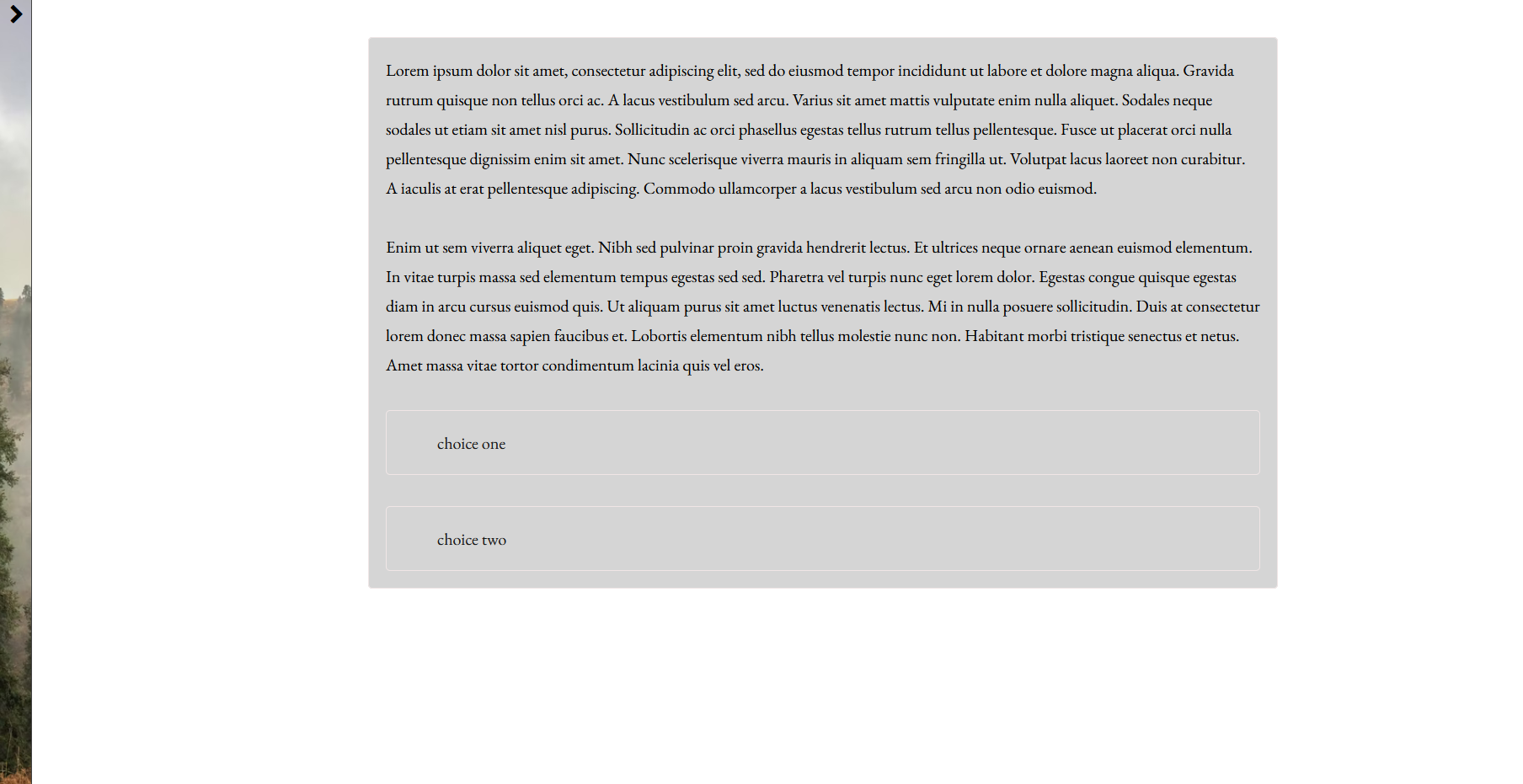
Thanks for making this.  Wouldn't mind more screenshots of the template in action to see what it looks like.

(+5)(-1)

thanks! i've added some screenshots, although this template was designed more with teaching people to code sugarcube in mind than aesthetics lmao

(+3)(-1)

Awesome, thank you!

Screenshot of CSS code styling story title, author, subtitle, and menu list elements for a UI bar.CSS code snippet defining light and dark mode color variables and body styling with a serif font.Game menu overlay on a dark, misty forest background with navigation and settings options listed vertically.